


Introduction
Software updates usually improve security and performance, but occasionally they can introduce unexpected issues. Recently, we received Samsung Galaxy A34 and Galaxy F34 devices that developed a touchscreen problem immediately after a software update.
The display worked normally, but the touchscreen stopped responding, making the phones difficult or impossible to use.
This article documents our diagnosis and the successful repair performed at Flash Mobiles.
Devices Affected
- Samsung Galaxy A34 5G
- Samsung Galaxy F34 5G
Symptoms
The affected phones showed:
- Display powered on normally
- Touchscreen completely unresponsive
- Power and volume buttons working
- No physical screen damage
- No signs of liquid damage
- Issue started after a software update
Initial Diagnosis
Before attempting any software repair, we performed standard checks to rule out hardware faults.
We inspected:
- Display assembly
- Touch connector
- Physical condition of the device
- Water damage indicators
No hardware defects were found.
Because the problem appeared immediately after the update, we focused our investigation on the software.
Repair Performed
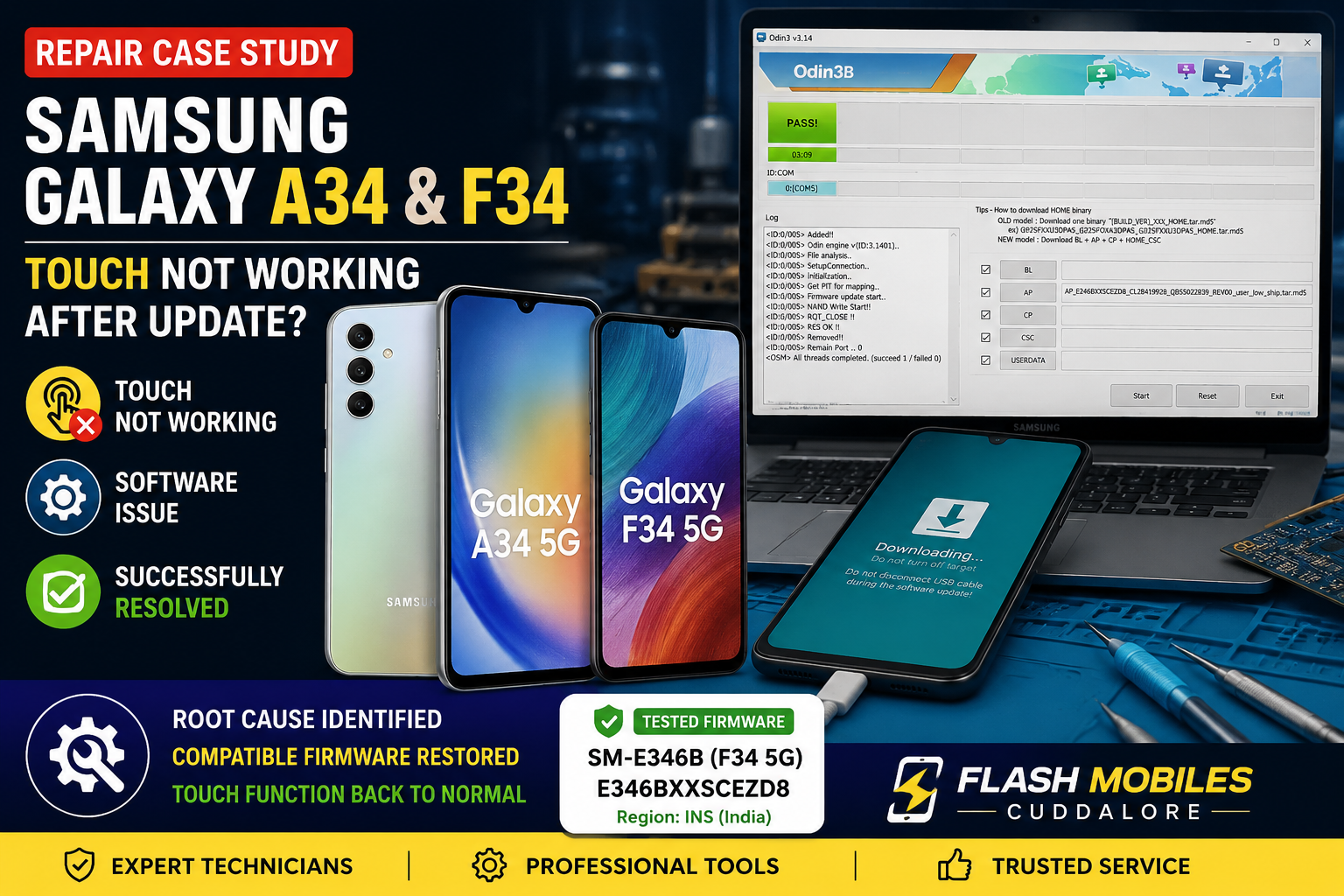
After verifying the device model and software compatibility, we reinstalled a compatible Samsung firmware package.
For one of the tested devices:
- Model: SM-E346B (Samsung Galaxy F34 5G)
- Region: INS (India)
- Firmware Build: E346BXXSCEZD8
- Source: SamFW firmware database
After reinstalling the compatible firmware and completing post-repair checks, the touchscreen responded normally.
Results
The repair restored:
- ✅ Touchscreen functionality
- ✅ Normal boot
- ✅ Display operation
- ✅ General device usability
The device was tested before being returned to the customer.
Why This Matters
A touchscreen that stops working after an update is not always a hardware failure. Similar symptoms can also result from software-related issues, while in other cases the cause may genuinely be a faulty display or another hardware component.
A proper diagnosis is essential before replacing expensive parts.
Important Information
Firmware compatibility depends on factors such as:
- Exact device model
- Region/CSC
- Bootloader revision
- Installed software version
A firmware version that resolves an issue on one device may not be suitable for another.